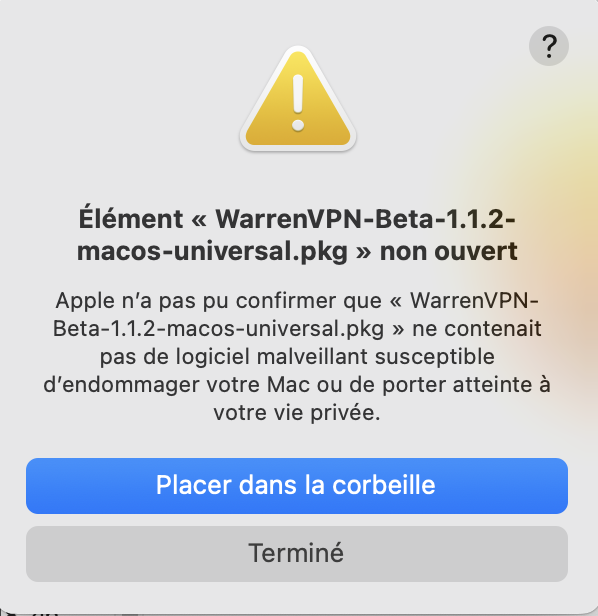
What you’re seeing comes from Gatekeeper, macOS’s security control. The beta installers aren’t signed with Apple yet, so it refuses to open them on first launch. Since macOS 15, the old workaround of right-clicking then selecting “Open” no longer works, which is why you’re left with “Move to Trash” as the only visible option.
Here’s the procedure on your MacBook:
Double-click the .pkg file, then click “Done” on the warning.
Open System Settings, Privacy & Security, and scroll down to the “Security” section. macOS will display a line about the blocked file with an “Open Anyway” button.
Click it, confirm in the final dialog, enter your administrator password, and the installation will start.
This button remains available for about an hour after the opening attempt. If it disappears, double-click the file again and return to the settings.
If it doesn’t appear, or if it doesn’t unblock anything (which happens with some packages), open Terminal (Applications, Utilities) and paste this line:
Then double-click the .pkg file: the warning will not reappear. This command removes the “downloaded from the internet” tag placed by macOS, which is solely responsible for triggering the block.